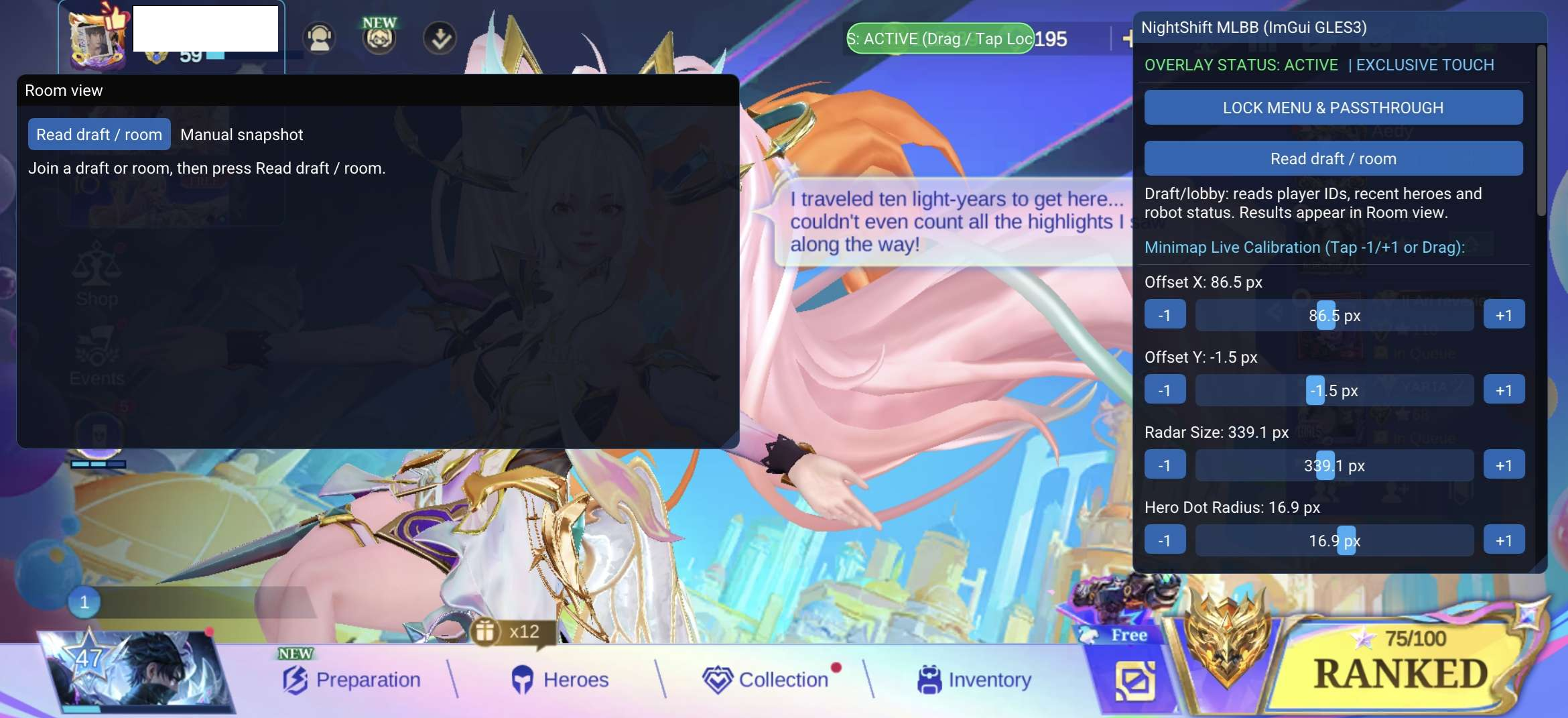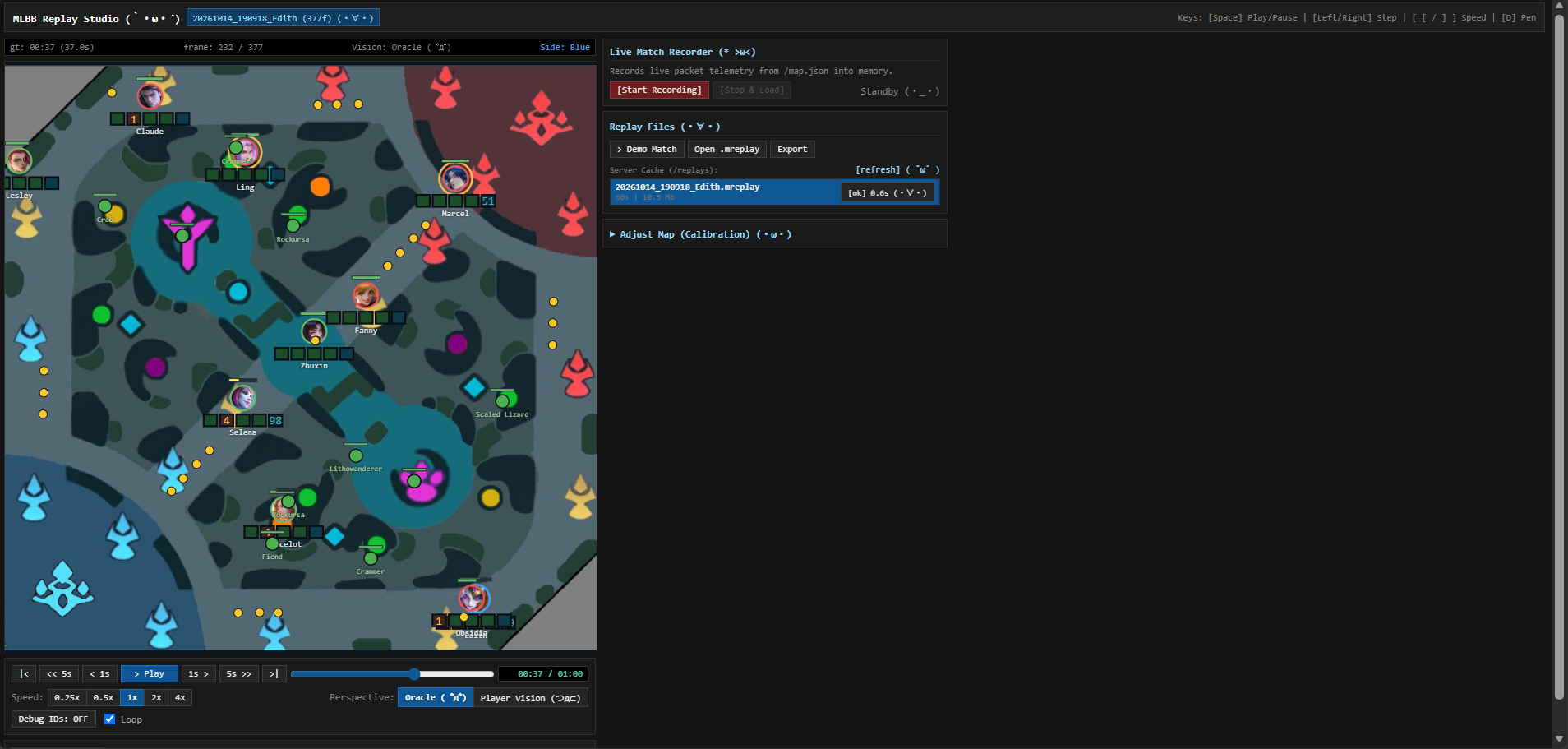
Android systems / Personal device
My Galaxy A35,
my KernelSU build.
I rooted my own Samsung Galaxy A35 and compiled KernelSU with SELinux hide modifications. Working on my own device gave me a practical introduction to the connection between a kernel build, Android security, and the software running above it.
- Device-specific kernel and module configuration
- Custom KernelSU compilation and SELinux hide modifications
- Build notes and compatibility checks for the target kernel
Tools: Linux, C, Bash, Clang/LLVM, KernelSU, ADB
What I learned
Rooting my A35 taught me how much perseverance a port can take. Kernel panics sent me back to IDA and more searching for answers. There were times when I felt ready to cry, but I kept working toward getting the root port to run.
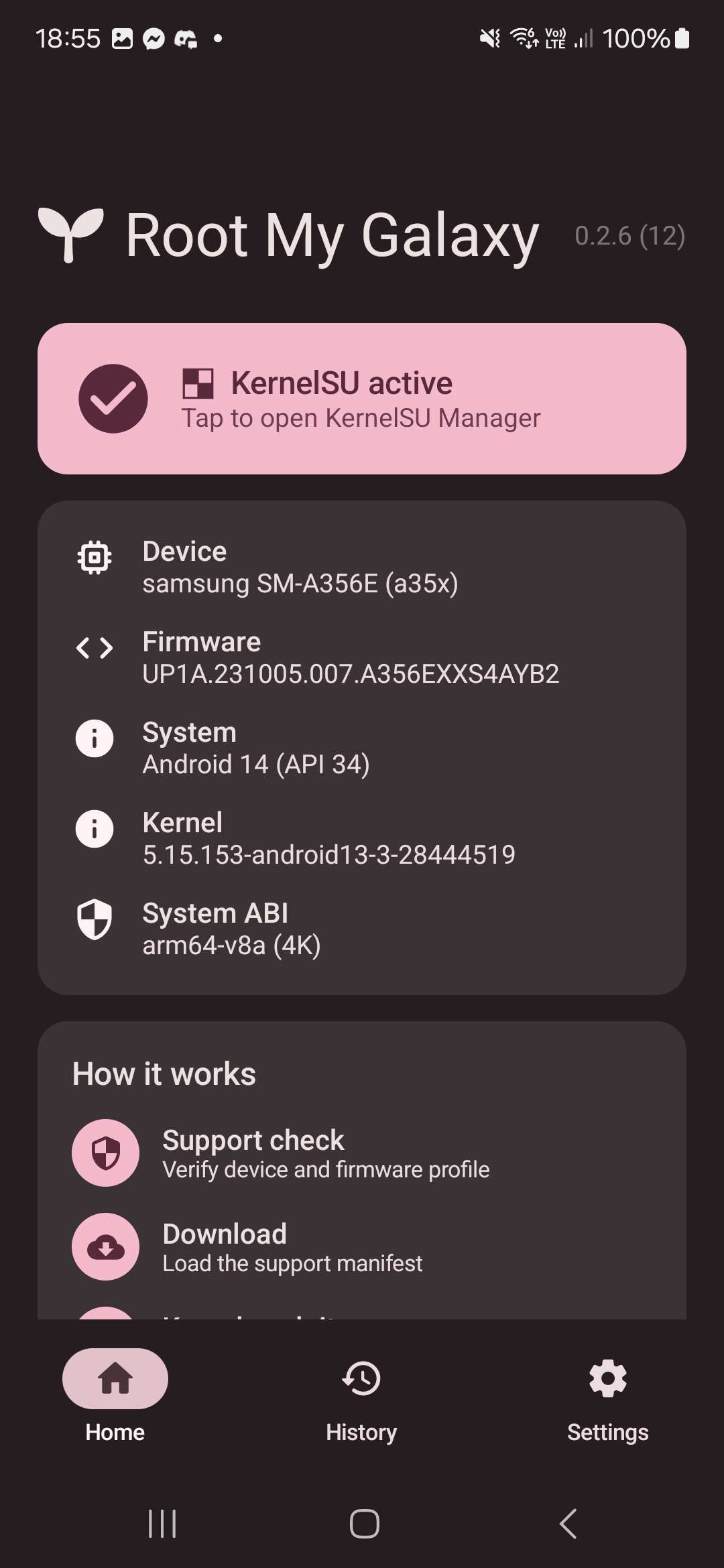
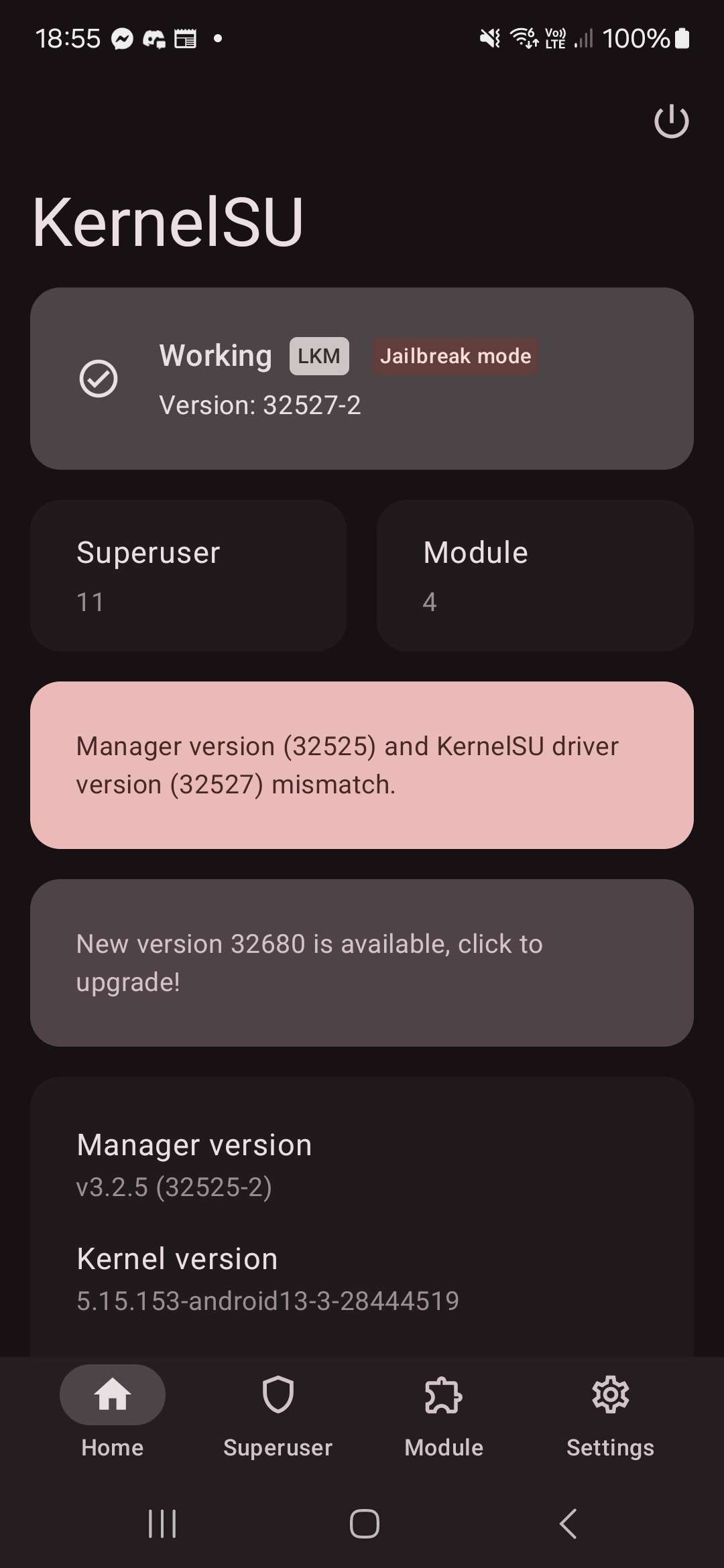
I also learned to pay attention to the kernel release, configuration, and module compatibility. The screenshots show Root My Galaxy identifying my A35 with KernelSU active, and KernelSU Manager reporting a working loadable module.
On my Galaxy A35. Select an image to view it at full size.